
WhatsApp brings Member Tags, Text Stickers and more features
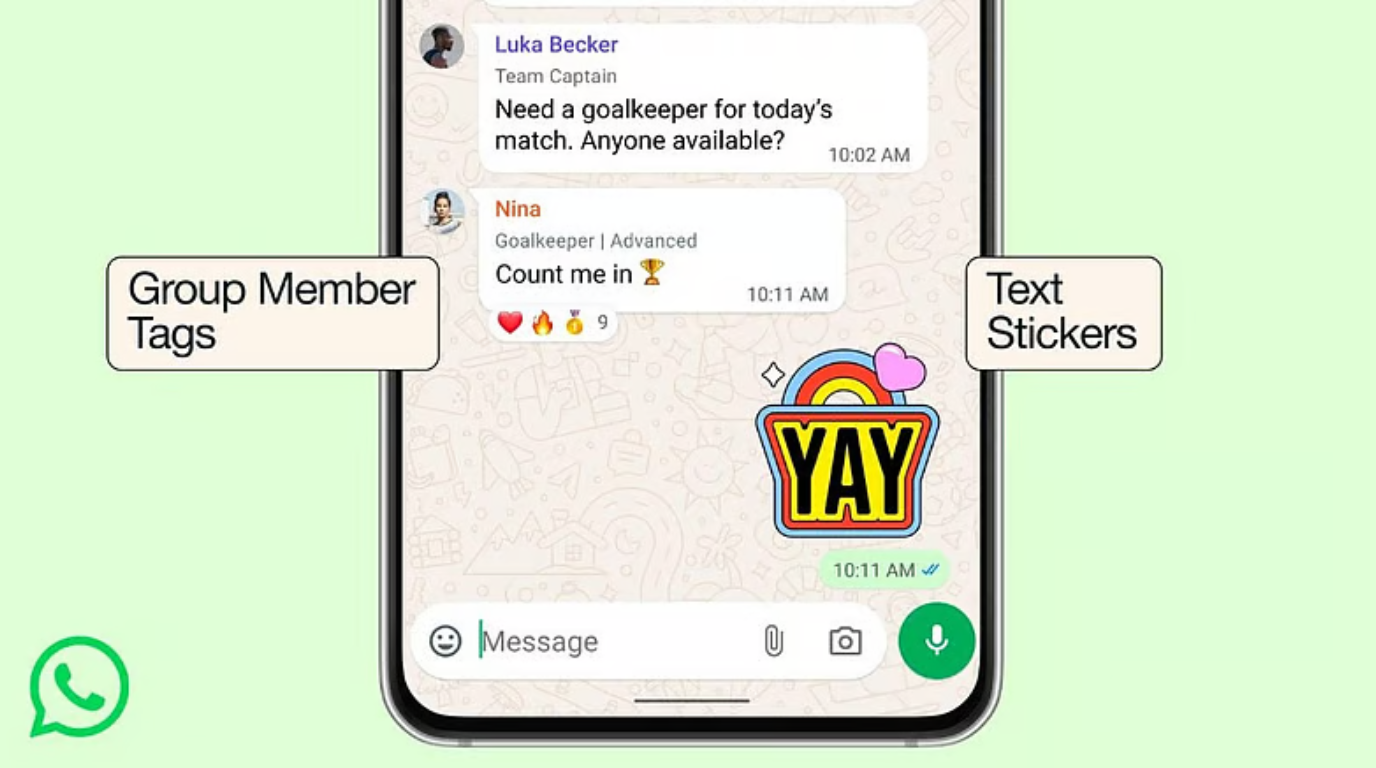

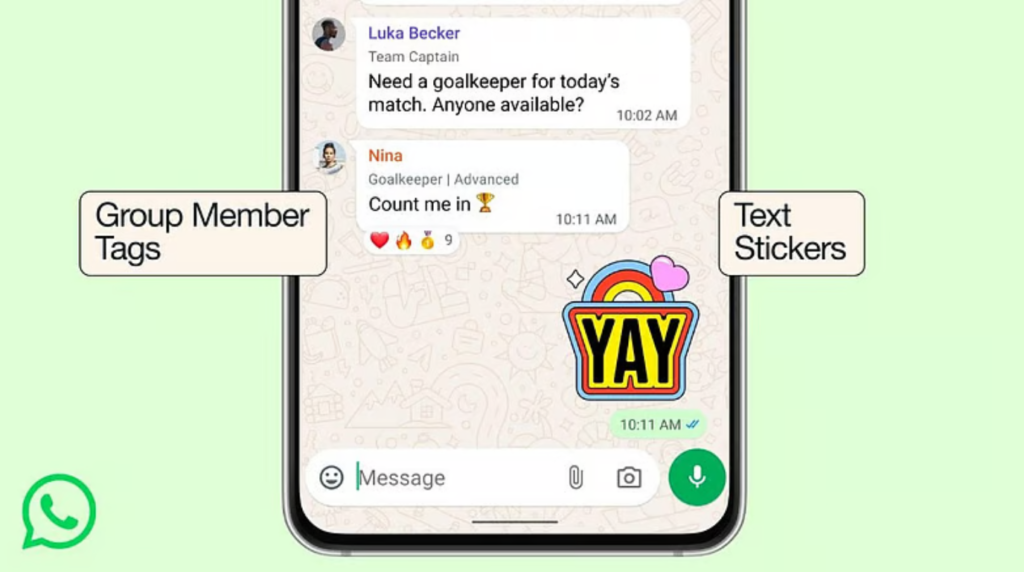
1. Member Tags: The ‘Who’s Who’ Solution
Large groups often become confusing when members don’t have each other’s numbers saved. Member Tags act as a group-specific digital ID card.
- The “Multi-Hat” Concept: WhatsApp recognizes that you are a different person in every group. You can now set a unique label for yourself in each chat. You might be “Captain” in your football group, “Room 402” in your apartment association, or “Project Lead” at work.
- Visibility: These tags appear directly in the message bubble below your name and are also listed in the group participants screen.
- Privacy Controls: Tags are visible to everyone in that specific group, but they do not follow you to other groups. You have 30 characters to define your role, though emojis are currently restricted to maintain a professional look.
- How to set it: Tap the Group Name > Scroll to the Members list > Tap “Add member tag” next to your own name.
2. Text Stickers: Instant Typography Creation
WhatsApp has turned the sticker search bar into a lightweight generative design tool. This eliminates the need for third-party “Sticker Maker” apps for simple text-based expressions.
- Instant Conversion: Simply open your sticker tray, tap the search icon, and type any word (e.g., “Congrats!” or “Way to go!”). WhatsApp instantly generates five distinct visual styles for that word.
- The Style Palette: Initial designs include Rainbow, Post-it Note, Warning Sign, Flaming Heart, and Blue Bubble.
- Direct Saving: You can save these custom creations to your favorites pack without having to send them first. This is perfect for building a personalized library of frequently used catchphrases.
3. Smart Event Reminders: The End of ‘No-Shows.’
Following the success of the “Events” feature in 2025, WhatsApp is now tackling the issue of forgetfulness with Custom Early Reminders.
- Precision Planning: When an admin creates an event (like a birthday party or a Zoom call), they can now set specific “lead-time” notifications.
- Tiered Alerts: You can choose to notify invitees 30 minutes, 2 hours, or even 1 day before the event begins.
- E2E Encrypted Planning: Like all WhatsApp messages, event details and the RSVPs of participants are fully end-to-end encrypted, ensuring your plans remain private within the group.